
What it does
The One-Line Diary is a journal for people who never keep a journal. Each day you write a single line, up to 256 characters. That's it.
Write today's line
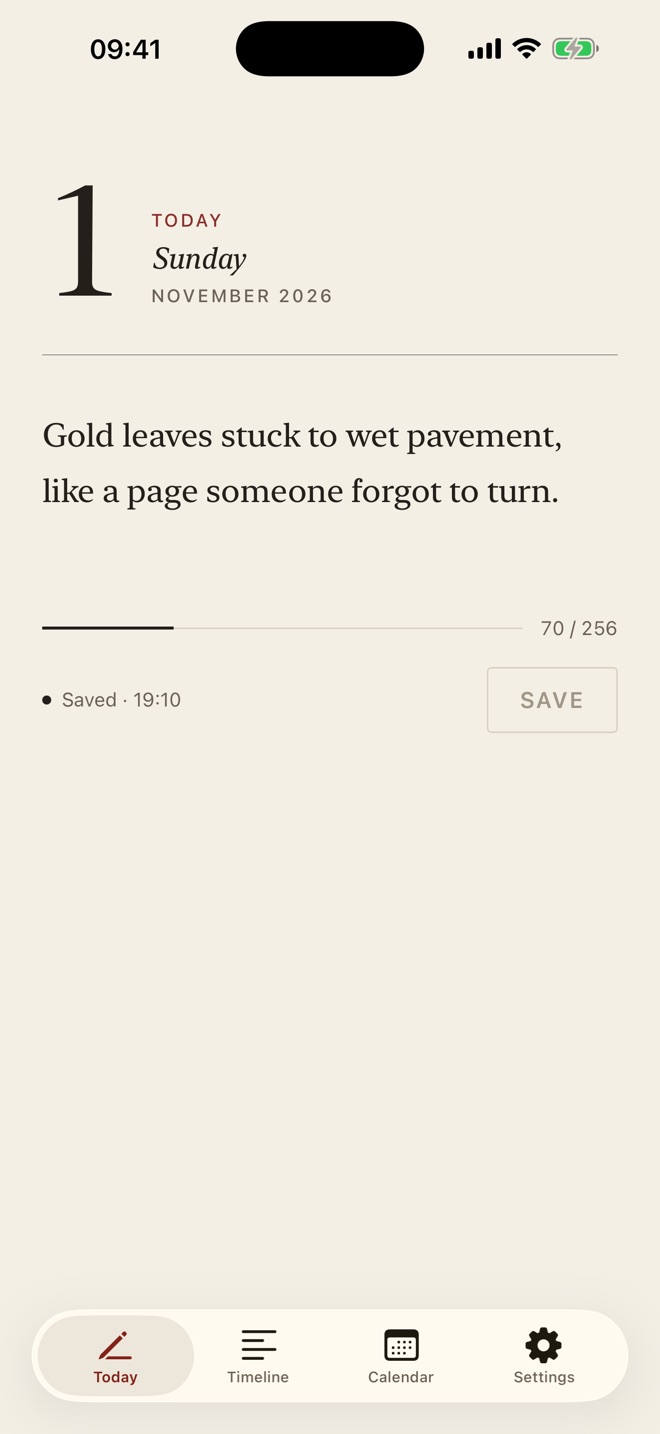
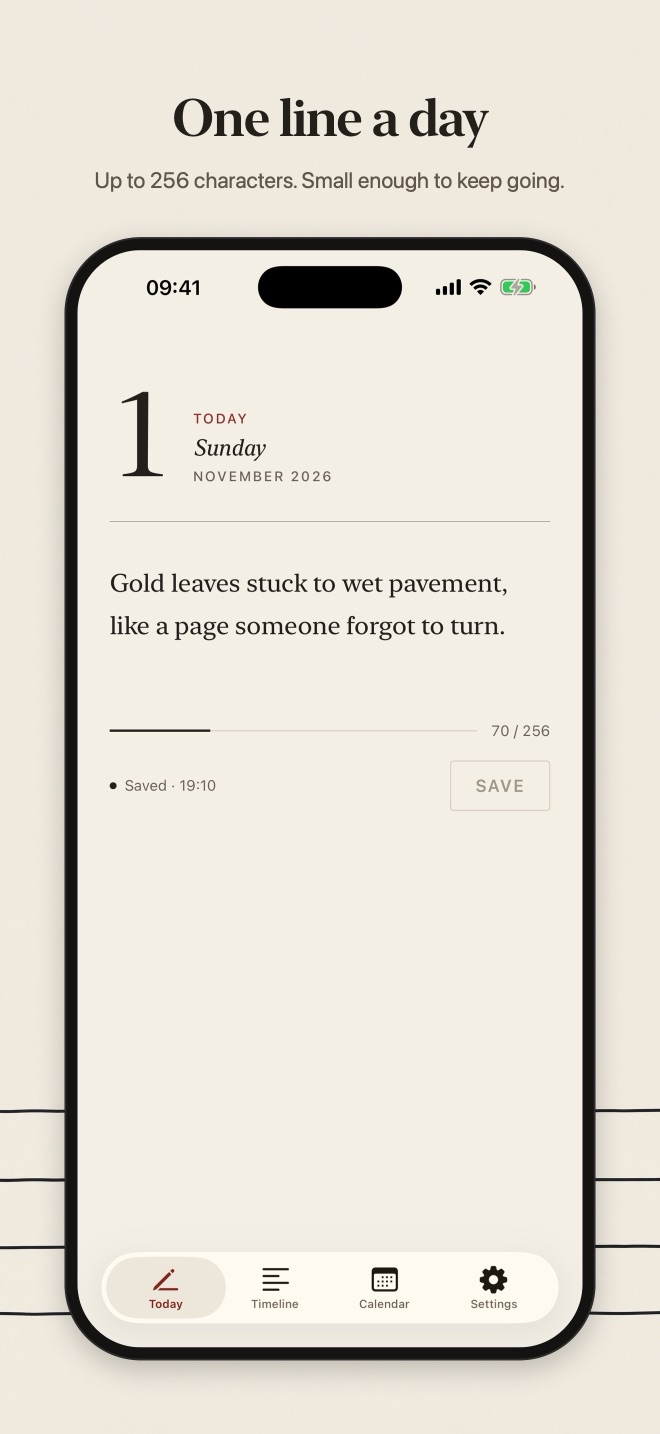
- One entry per calendar day, up to 256 characters
- A live counter shows how much room is left; emoji and accented letters count as one character
- Come back later the same day and you edit today's line instead of starting a new one
- Missed a day? You can still write a line for any past day
Read it back
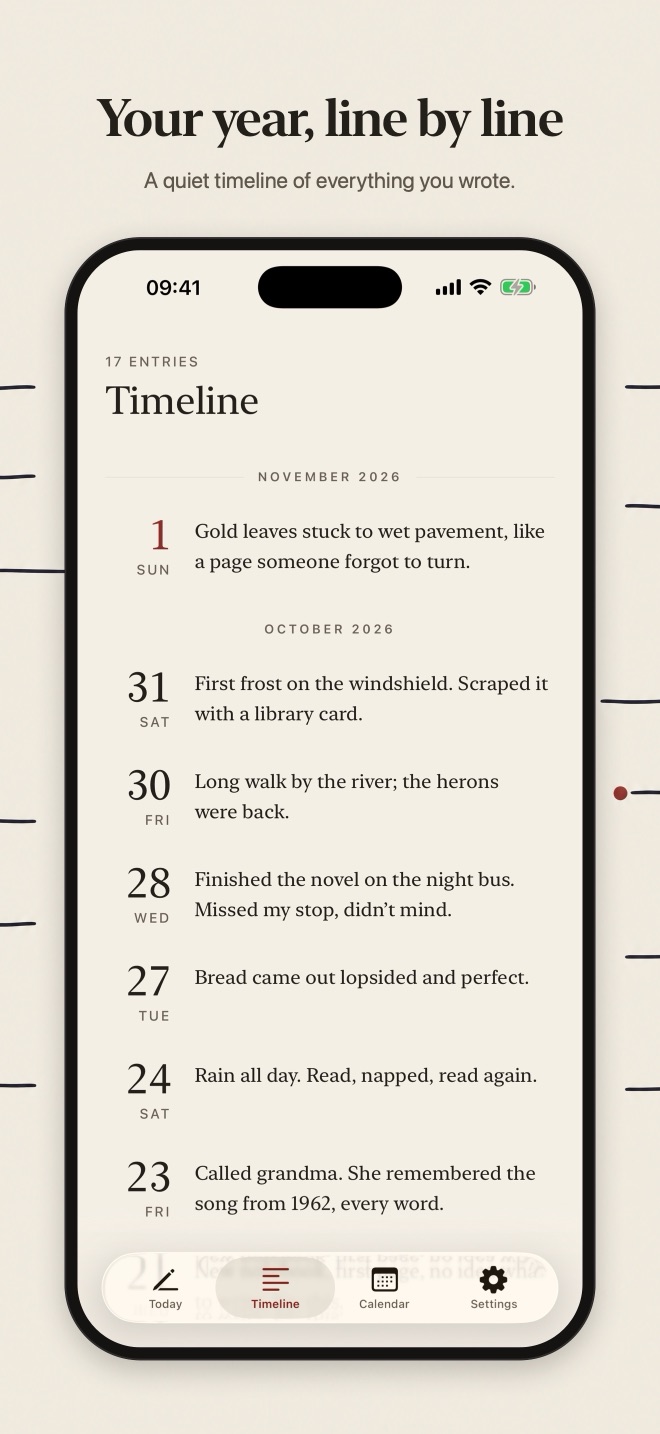
- A timeline of every entry, newest first, with each month set apart
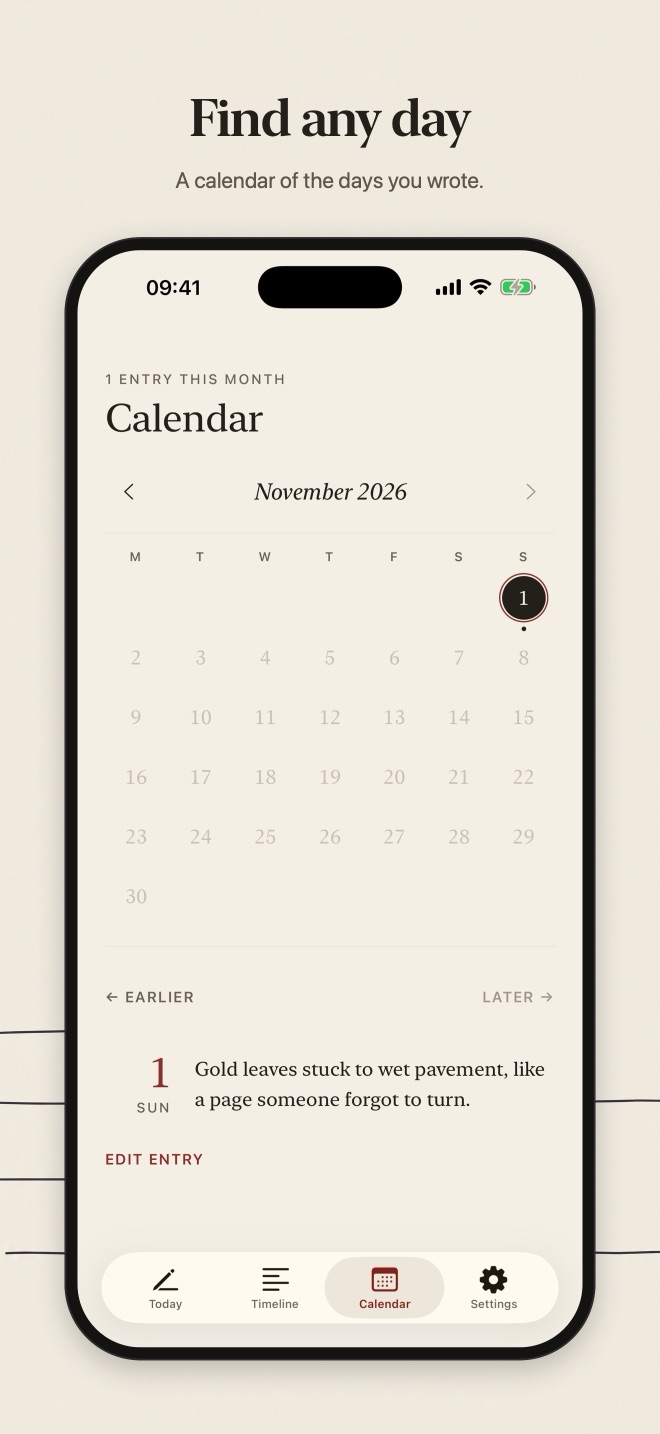
- A calendar marks the days you wrote; tap a day to read or edit it
- Jump straight to the previous or next day with an entry
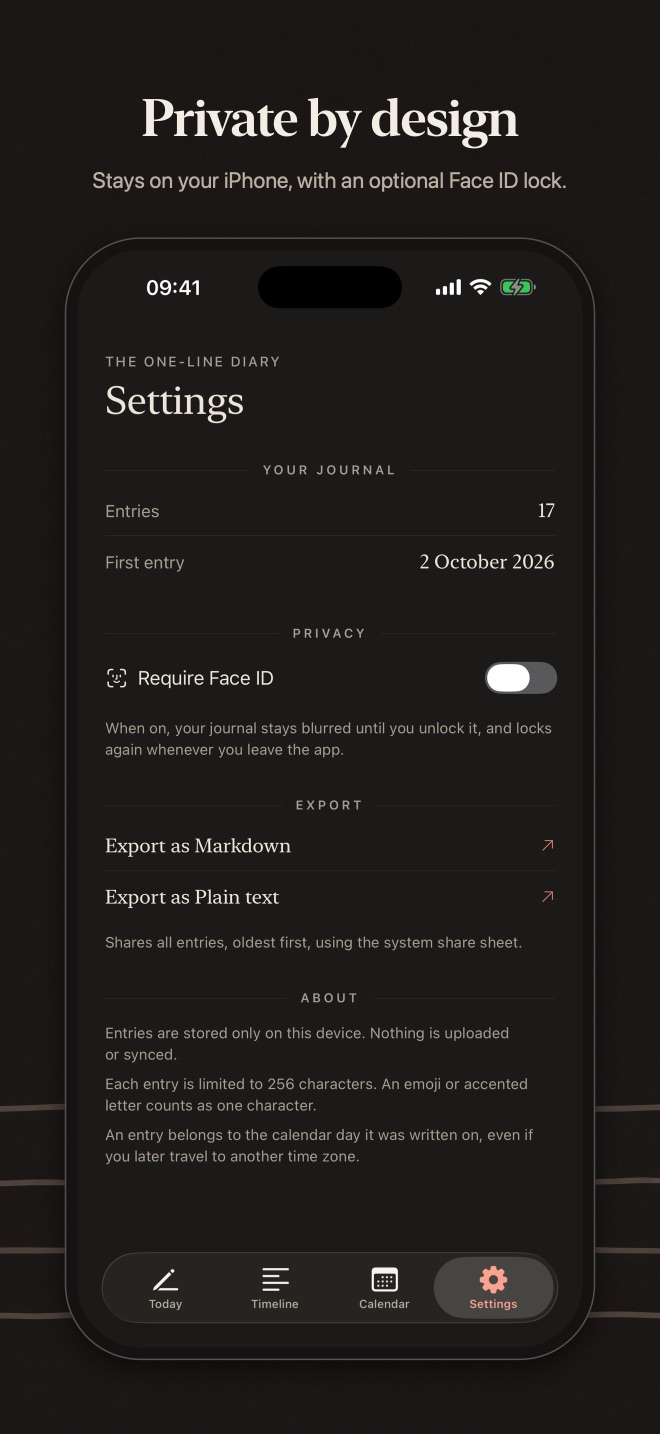
Private by design
- Entries are stored only on your iPhone. No account, no sign-in, no cloud, no ads, no tracking
- Optional Face ID lock: the diary stays blurred until you unlock it, and locks again when you leave the app
- Export everything as Markdown or plain text whenever you like
Designed for reading
Printed-almanac typography, generous whitespace, light and dark mode, and full Dynamic Type and VoiceOver support.
One line is small enough to write every day, and a year of them is worth keeping.
Screenshots
Turn the pages
Support
Help & contact
- Do I need an account?
- No. There is no sign-in and no account. Open the app and start.
- Where is my data stored?
- Only on your iPhone. The One-Line Diary has no servers, no cloud sync and no analytics, so nothing you enter is sent to us or anyone else.
- How does the Face ID lock work?
- Turn it on in Settings → Privacy. The One-Line Diary then stays blurred until you unlock it with Face ID (or your passcode), and locks again when you leave the app. Face ID is handled by iOS; the app never sees your face data.
- Does it cost anything?
- No. The app is free, with no ads, subscriptions or in-app purchases.
- What happens if I delete the app?
- Deleting the app deletes its data from your iPhone. If your iPhone is backed up to iCloud or a computer, that backup may still contain the app's data, as with any app.
Need help?
Questions, bug reports or ideas: email info@saltenis.dev and include your iPhone model and iOS version if something isn't working.
We usually reply within a few working days.